Your Client space
A contractor has opened a project to you: in the Client space, you follow its progress, answer their quotes and read their invoices, for free.
Getting in
Section titled “Getting in”The invitation email contains a link to the project. No password? Get a sign-in link: TAYO.pro emails you one, and you are signed in with one click.
The screen
Section titled “The screen”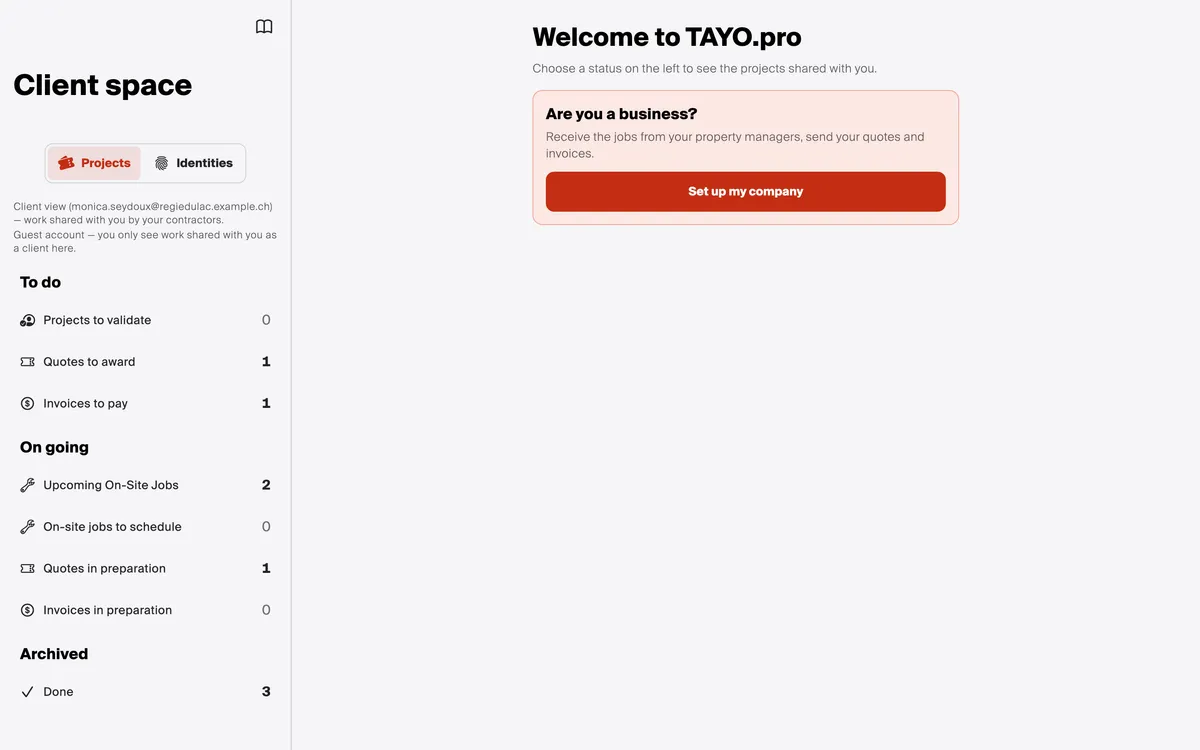
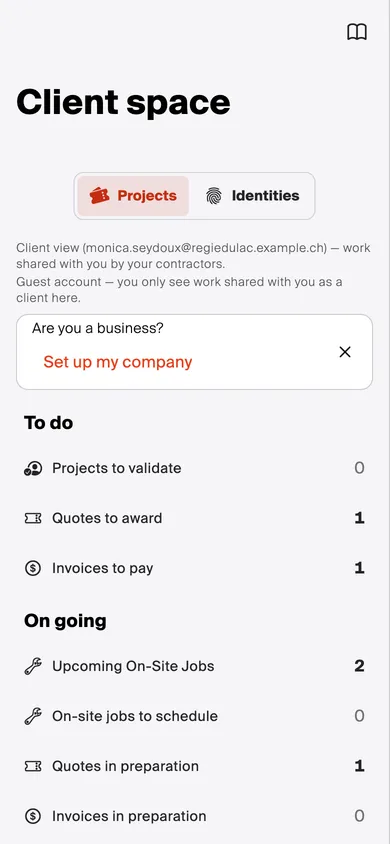
- Projects or Identities: your shared projects, or each contractor’s official file (A contractor’s Identity).
- To do: what is waiting for your answer. A project to validate, a quote to award, an invoice to pay.
- On going: the on-site jobs upcoming or to schedule, the quotes and invoices in preparation.
- Archived: the finished projects.
The number counts the projects in each status; a click lists them.
Good to know
Section titled “Good to know”- You do work too? Set up my company creates your company account for free, with a valid UID number: see Create my account. Your shared projects stay visible here.
If something goes wrong
Section titled “If something goes wrong”You can’t see the project? It is only visible if the contractor has shared it with you, at the address you are signed in with. Otherwise: Contact support.