The screen of a shared project
Every shared project opens on the same screen. The numbers point to the same thing on a computer and on a phone: only their place changes.
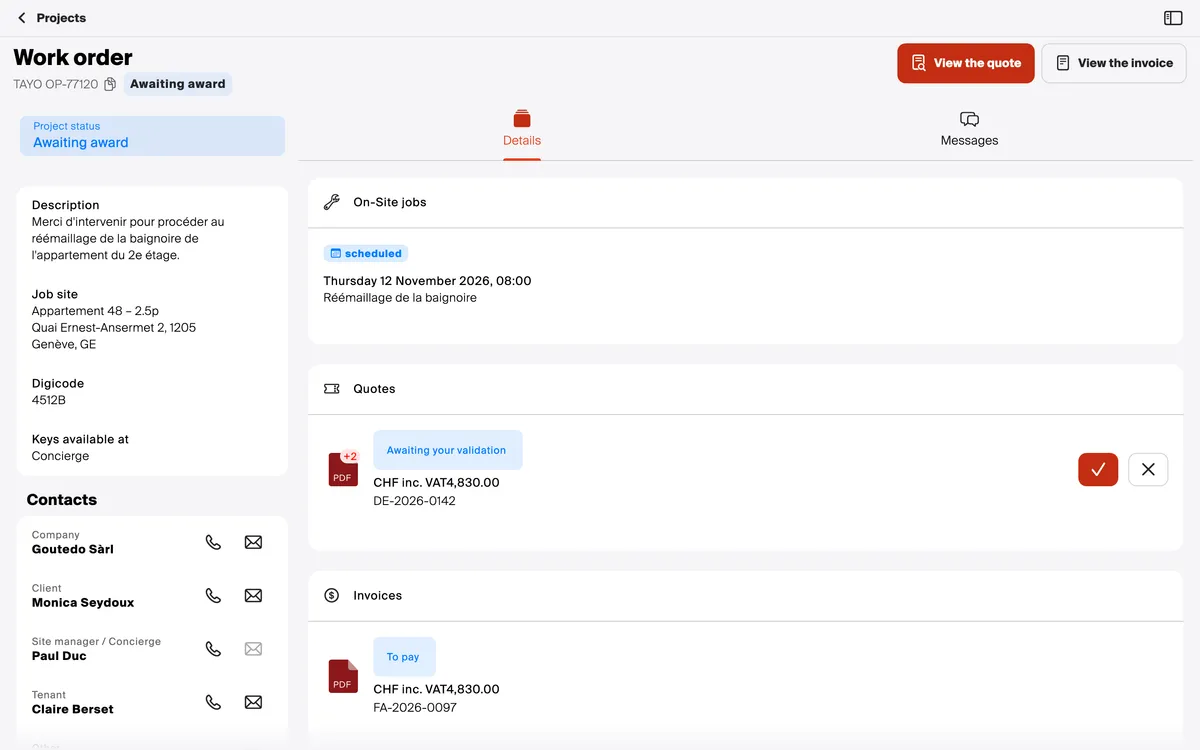
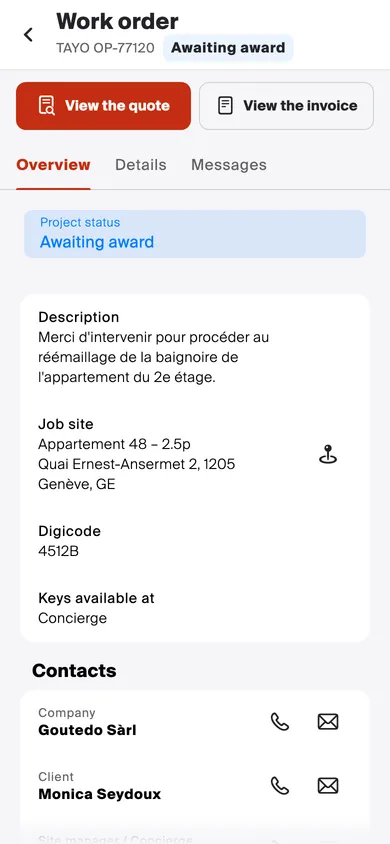
- The project at a glance: its type, its reference and its status.
- What the contractor expects from you: View the quote to answer it, View the invoice, or Validate when they ask you to confirm the project. Nothing to do: no button.
- Overview: the request, with the description, the location, the door code and the contacts, the contractor first. On a computer, it is the left-hand column.
- Details: the planned on-site jobs, the quotes and the invoices. A pending quote has its ✓ and ✗ buttons to accept or refuse it.
- Messages: the project’s messaging, to write to the contractor.
Good to know
Section titled “Good to know”- An invoice is read, not answered: it opens with its file, to download, its amount and its number. A question? Write to the contractor in Messages.