Answer a quote
The contractor is waiting for your answer: you accept or refuse their quote from your Client space.
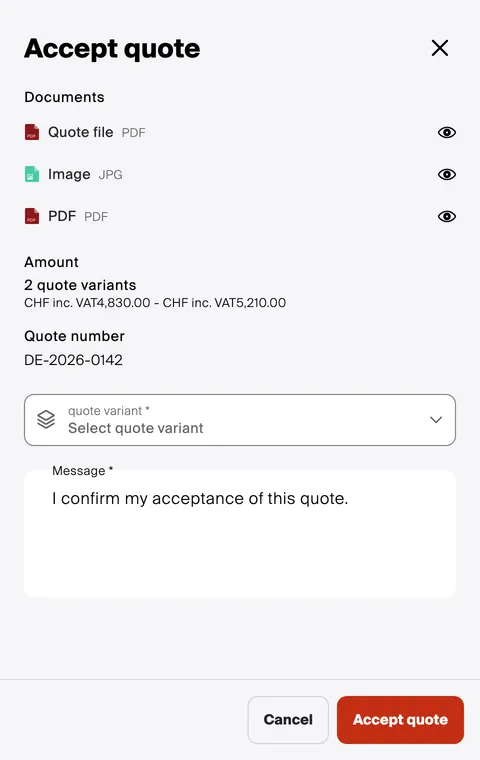
Open the project, then View the quote at the top of the screen. The quote opens with its file, its amount and its number: Accept or Refuse.
Good to know
Section titled “Good to know”- The message is mandatory, to accept as well as to refuse. On acceptance, it is already written: “I confirm my acceptance of this quote.” For a refusal, say why.
- Several variants? Choose yours before accepting: that is the one the contractor carries out.
- Your answer is final: you can no longer change it from your Client space. A question before deciding? Write to the contractor in the project’s Messages.
- Several quotes pending? The button becomes View the quotes and opens the list: each quote has its ✓ and ✗ buttons.