Validate a project
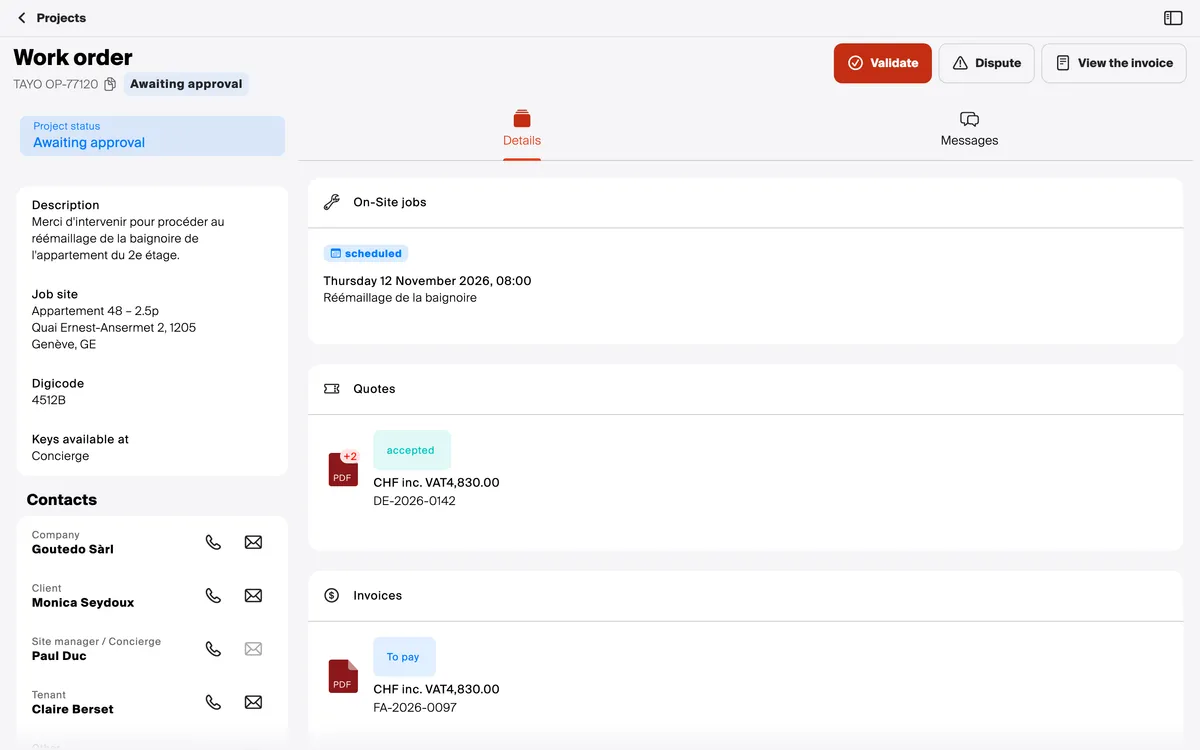
Before starting, the contractor asks you to confirm what they noted down: the location, the description, the contacts. The project waits in To do, under Projects to validate.
Open it, check the description, the location and the contacts, then Validate at the top of the screen.
Good to know
Section titled “Good to know”- Dispute (2) sends nothing. The button only reminds you to contact the contractor: tell them what is wrong in the project’s Messages.
- A request that reached you by mistake? Same thing: write it to the contractor.