Creating and managing your clients
You have two kinds of client in TAYO.pro.
Property managers from Tayo arrive on their own once your account is linked. You enter nothing.
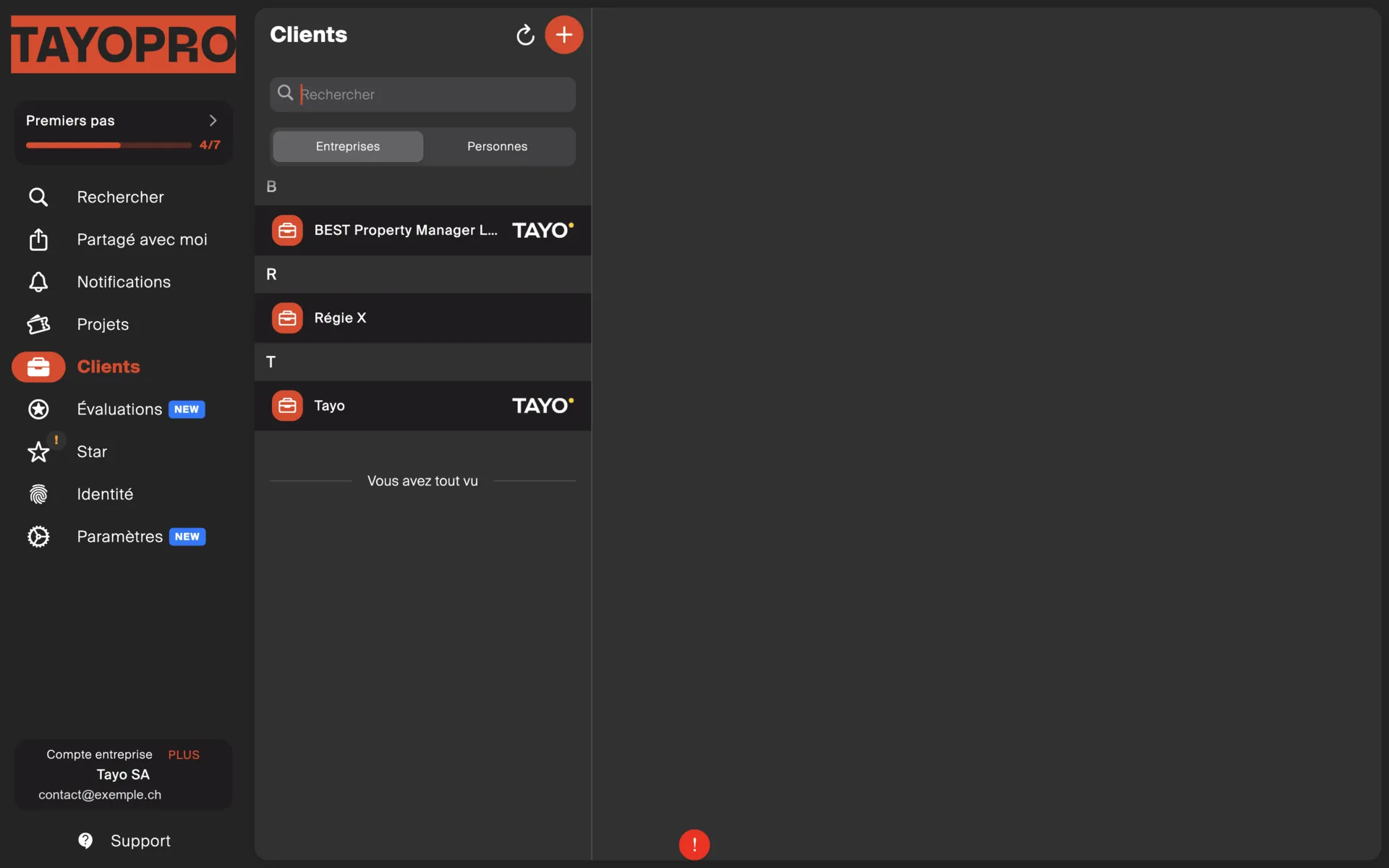
Your own clients — a private individual, a business, a management company outside Tayo — you create.
Creating a client
Section titled “Creating a client”From Clients, or straight from the client picker while you are drawing up a quote or an invoice. The second route avoids interrupting what you were doing.
Fill in at least a name, an address and a contact. The e-mail address matters: it is what allows documents to be sent and the guest portal to be enabled.
Contacts and sites
Section titled “Contacts and sites”A client can have several contacts — the manager, the caretaker, the tenant — and several sites, meaning the addresses where you work.
Get into the habit of creating the site on the first visit. The second time, everything is already there.
Some Tayo clients are missing
Section titled “Some Tayo clients are missing”If property managers do not appear, it is almost always an e-mail address issue: they registered you under a different address from the one linked here. TAYO.pro only shows clients attached to the connected e-mail.
The steps are on the Tayo connection page.