Connect my Tayo account and find my work orders
Your Tayo property managers and their active projects arrive in TAYO.pro, and new work then follows on its own.
The animation for this guide is coming soon. The steps below are up to date.
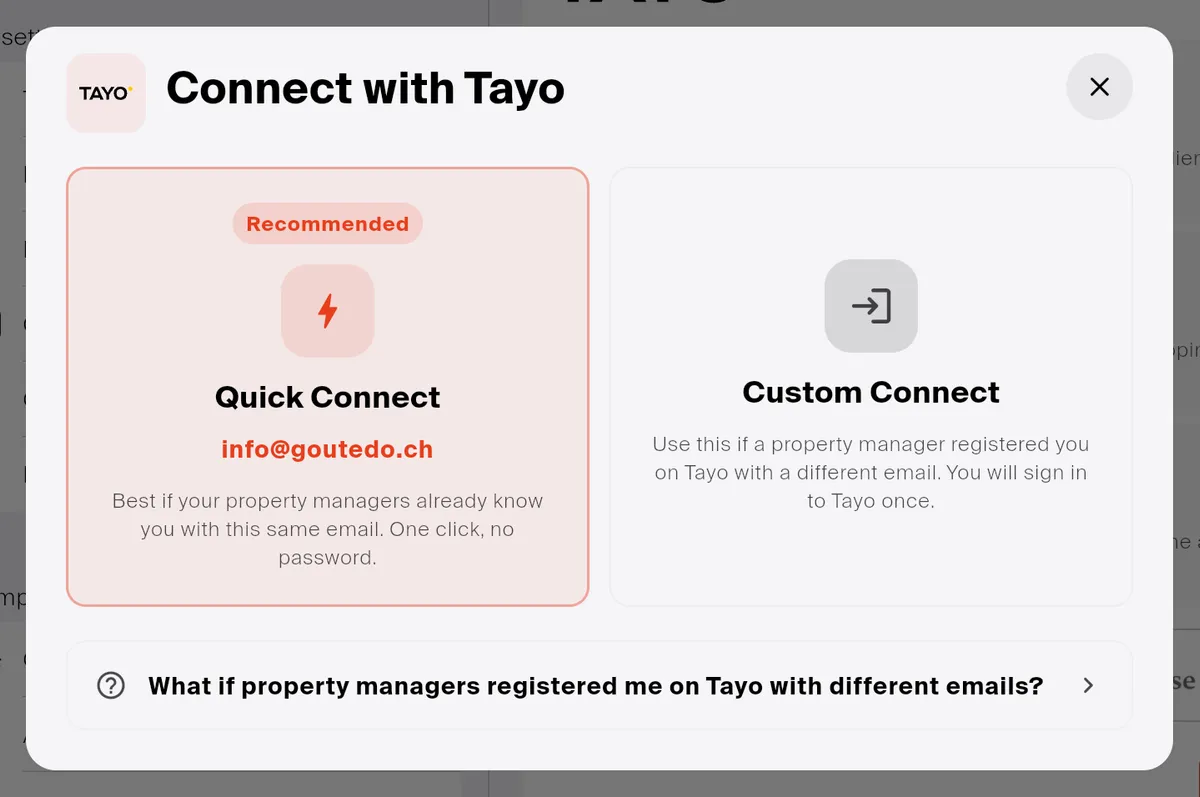
In Settings → Integrations, click Connect on the Tayo card, then choose how to connect:
Do your property managers know you on Tayo by the e-mail address of your TAYO.pro account?
Good to know
Section titled “Good to know”- Only active projects are imported, not archived ones.
- Only one Tayo address connects. Your property managers know you under several addresses? Group them: see My Tayo accounts.
If something goes wrong
Section titled “If something goes wrong”Clients or projects missing? I cannot see my clients or my projects.