Group your Tayo accounts with the PLUS plan
The clients and projects of your other Tayo addresses arrive under the main account, without asking the property managers anything.
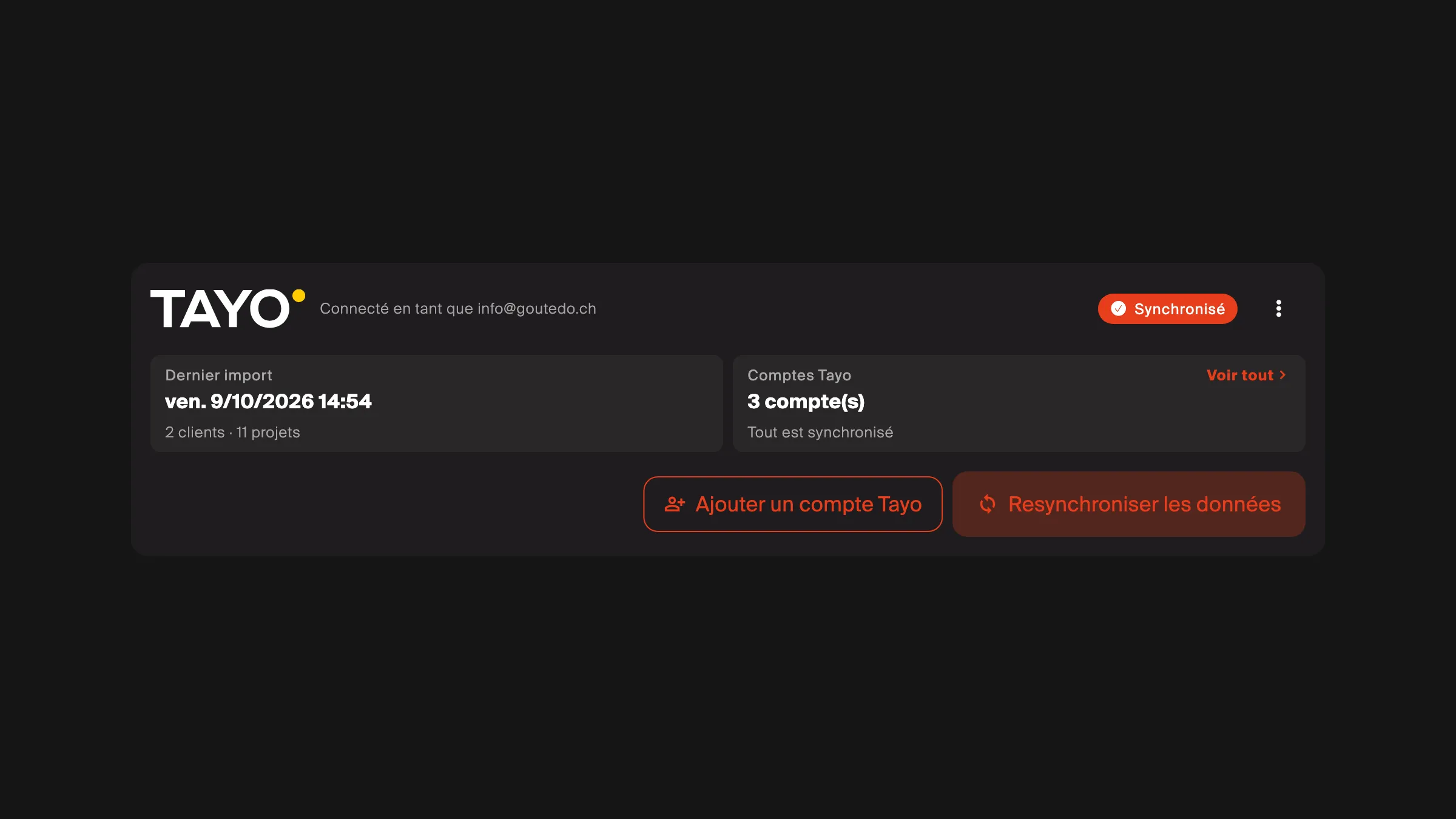
- In Settings → Integrations, Tayo card, add a Tayo account.
- Enter the other account’s address and send the confirmation.
- Open the link in the e-mail received at that address, from any device.
Good to know
Section titled “Good to know”- An hour after the confirmation, TAYO.pro re-imports on its own and tells the members the result by e-mail. Tayo can take up to 24 hours: if work orders are still missing, sync again within that time.
- A linked address is not a login: only the main account opens TAYO.pro.
- Removing an address, leaving the PLUS plan or disconnecting Tayo removes the linked addresses; what was imported stays.
If something goes wrong
Section titled “If something goes wrong”Projects are still missing after 24 hours: I cannot see my clients or my projects.