Evaluations
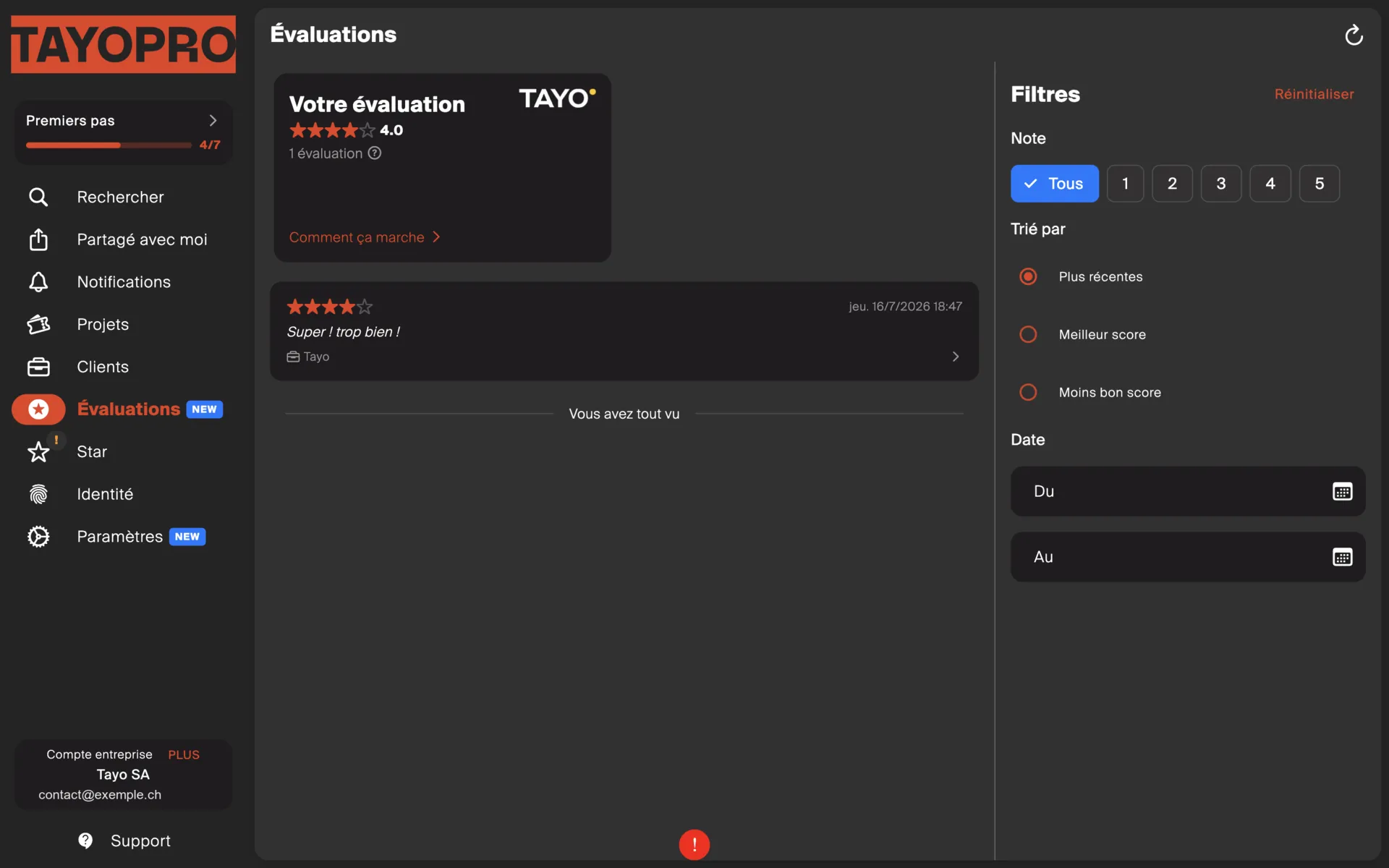
When a job is finished, your client can leave an evaluation. They all gather on the Evaluations screen.
What you find there
Section titled “What you find there”Every evaluation left on your Tayo operations, in one place, with filters and sorting — by date, or by score.
If the screen is empty, it simply means no client has rated a job yet.
What is public, and what is not
Section titled “What is public, and what is not”This is the important part.
| Visible to whom | |
|---|---|
| Your average score | Published automatically on your Star profile. |
| Individual scores | You only. |
| Comments | You only. |
In other words: a single bad rating is displayed nowhere. It weighs on the average, and the comment stays for your own use.
Why look at them
Section titled “Why look at them”- Spot a problem early. Three mediocre ratings on the same kind of job is a signal — and you are the only one who can see it.
- Protect the average, since that is the public part.
What you cannot do
Section titled “What you cannot do”You can neither edit nor delete an evaluation. It belongs to the client who left it.
If one seems unfair, the right move is to contact the property manager directly.