Coming from Tayo?
You used to handle your property managers’ work in Tayo: you now handle it in TAYO.pro. Nothing changes for your property managers, your work orders come with you, and working with your Tayo property managers is free, with the BASIC plan. Here is how the move goes, in five steps.
1. Your property manager’s banner
Section titled “1. Your property manager’s banner”When you sign in to your property manager’s Tayo, you see this banner (in French). Its button, Créer mon compte TAYO.pro, leads to sign-up.

Its colours are your property manager’s: at another one it looks different, with the same text.
2. Create your account
Section titled “2. Create your account”Already have a TAYO.pro account? Skip to step 3.
Simplest: sign up with the e-mail address your property managers know you by on Tayo. TAYO.pro then finds your Tayo account on its own. Create my account
Another address works too: it signs you in to TAYO.pro, and you link your Tayo address at step 3. Which address does what
3. Your property managers on Tayo
Section titled “3. Your property managers on Tayo”While you set up your company, the Your property managers on Tayo step looks for a Tayo account for your address on its own:
- Account found: Connected, and your Tayo clients appear on screen. The import of your current projects goes on while you finish the setup.
- No Tayo account found: your property managers know you under another address. Click Sign in with Tayo, then sign in to Tayo with that address and authorise TAYO.pro: that is Custom Connect.
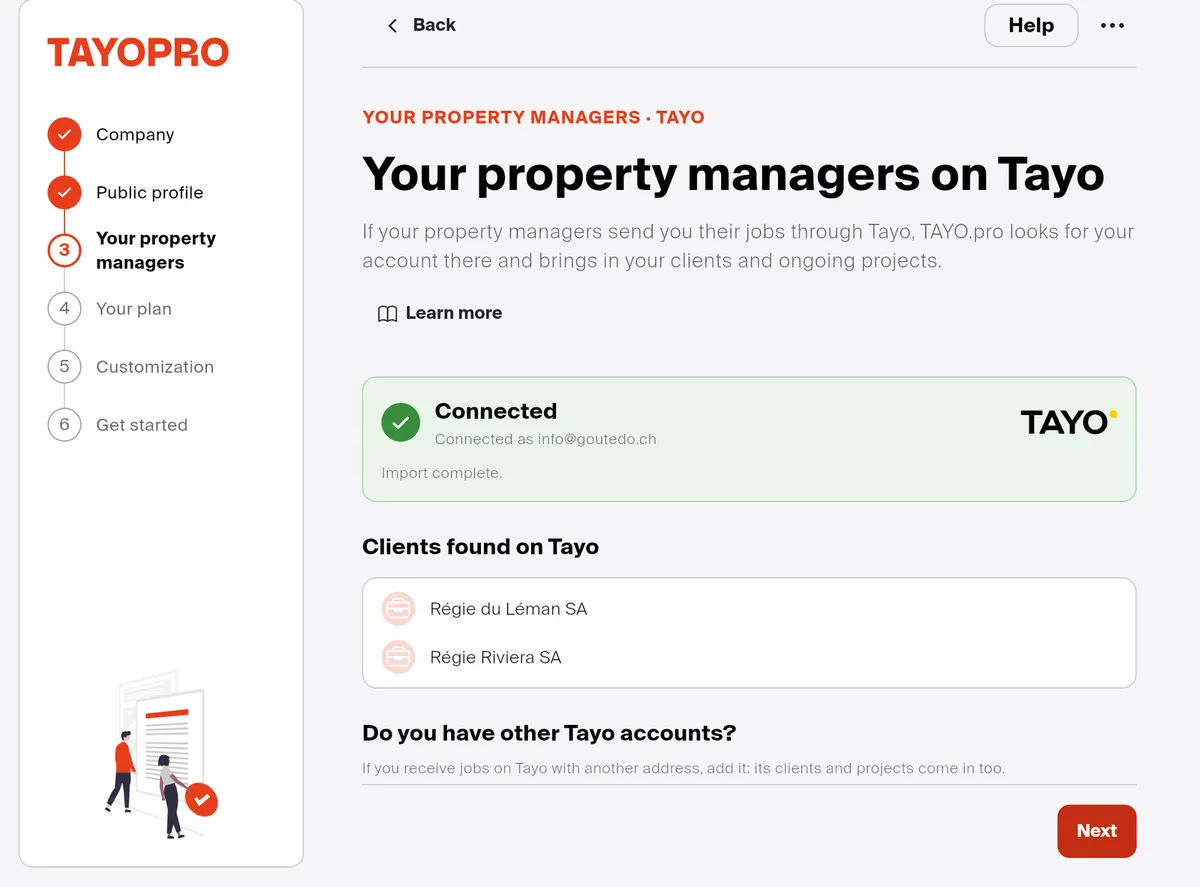
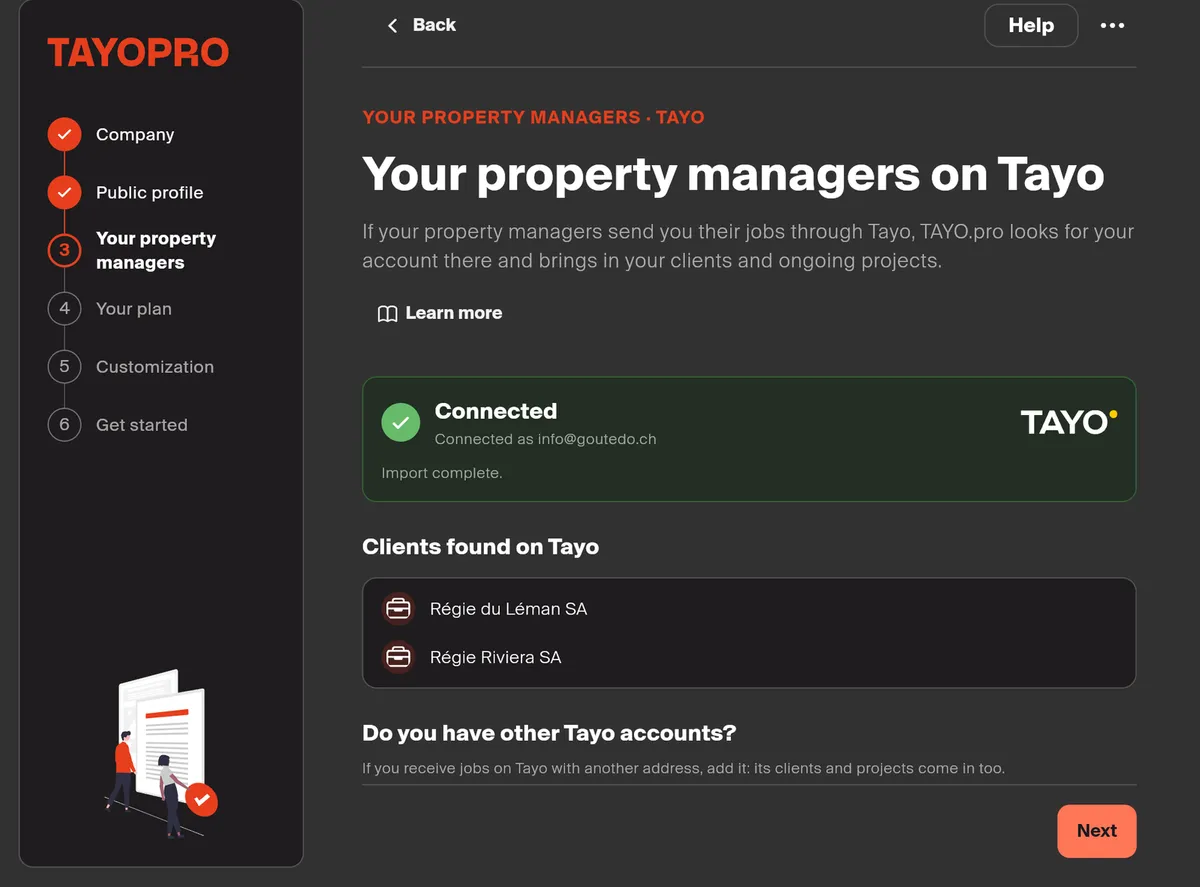
Continue without Tayo is not final: you can link Tayo later from Integrations. Connect Tayo
4. Your other addresses
Section titled “4. Your other addresses”A property manager sends you work at another address? Its projects do not arrive until that address is grouped with your account. At Do you have other Tayo accounts?, add it with the PLUS plan, or ask the property manager to change the address. My Tayo accounts
5. Check that everything is linked
Section titled “5. Check that everything is linked”Go back to your property manager’s Tayo: the banner has turned green.

Go round your property managers: if one of them still shows the blue banner, it most likely knows you under another address, to group as in step 4.
Good to know
Section titled “Good to know”- Only active projects are imported: your closed or archived work orders stay available in Tayo, at each property manager.
- New property managers arrive on their own, the morning after they add you on Tayo.
- Tayo’s notifications stop once linked: TAYO.pro notifies you instead. Only the overdue reminders still come from Tayo, and their links lead into TAYO.pro.
If something goes wrong
Section titled “If something goes wrong”Clients or projects are missing: I cannot see my clients or my projects.