Your company's modules
TAYO.pro does not force all its features on you. Many are modules you turn on if you have a use for them, under Settings → Application.
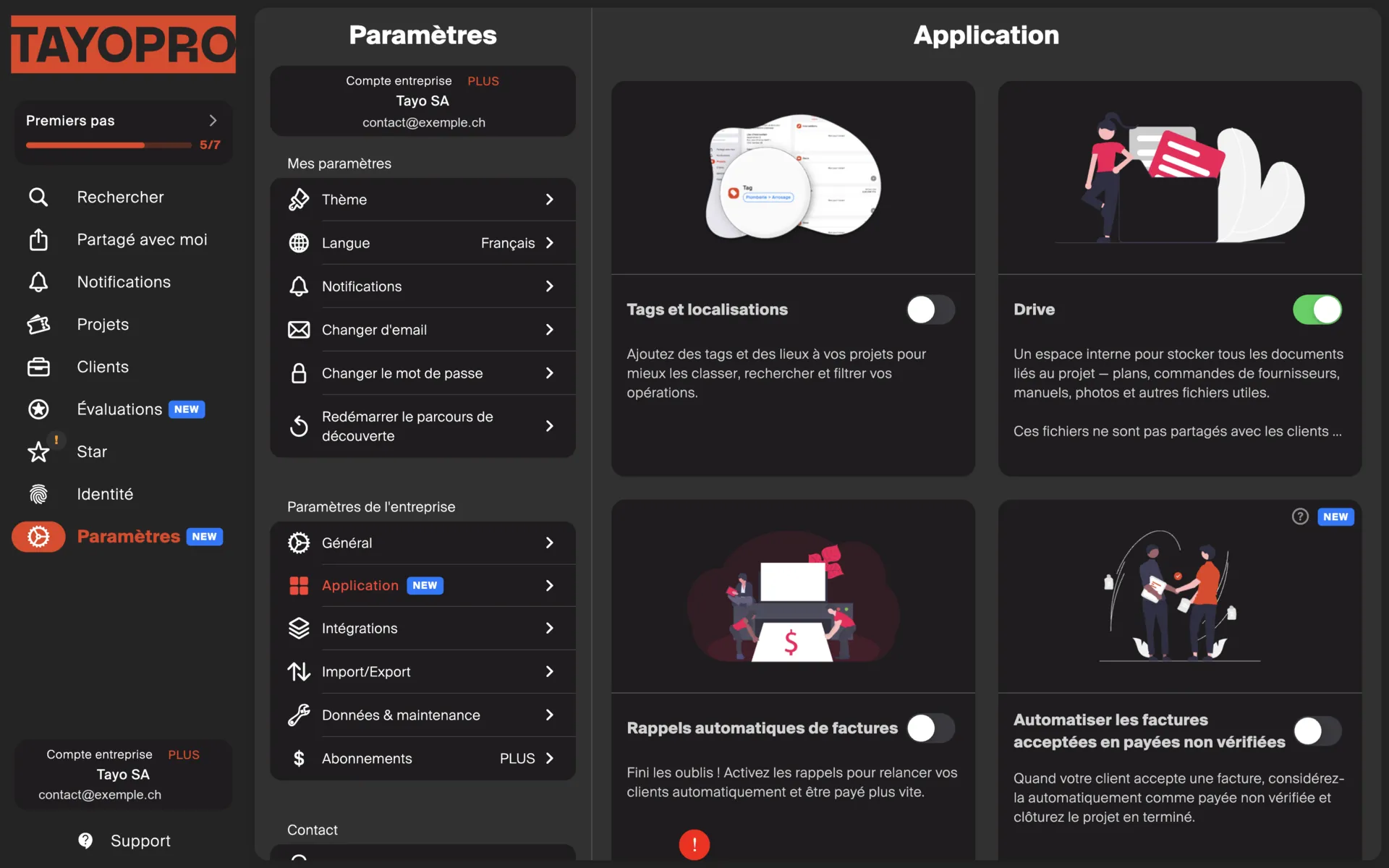
While a module is off, nothing happens.
Available modules
Section titled “Available modules”| Module | What it does |
|---|---|
| Invoice reminders | Chases late clients automatically. |
| Project reminders | Nudges you about an internal follow-up. |
| Multi-branch | Splits your projects between branches. |
| Drive | Attaches photos and files to projects. |
| Accepted → paid | Marks accepted invoices as paid. |
Where to start
Section titled “Where to start”If you are new, turn none of them on. Use TAYO.pro for a few weeks and switch a module on when you feel the lack.
The first useful module for most tradespeople is Invoice reminders: it works for you without asking anything.
The trickiest is Accepted → paid, because it changes how your invoices are considered settled. Read its page before switching it on.